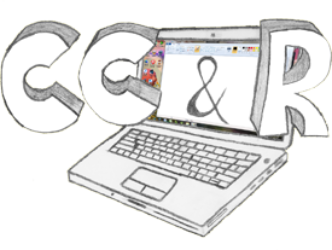
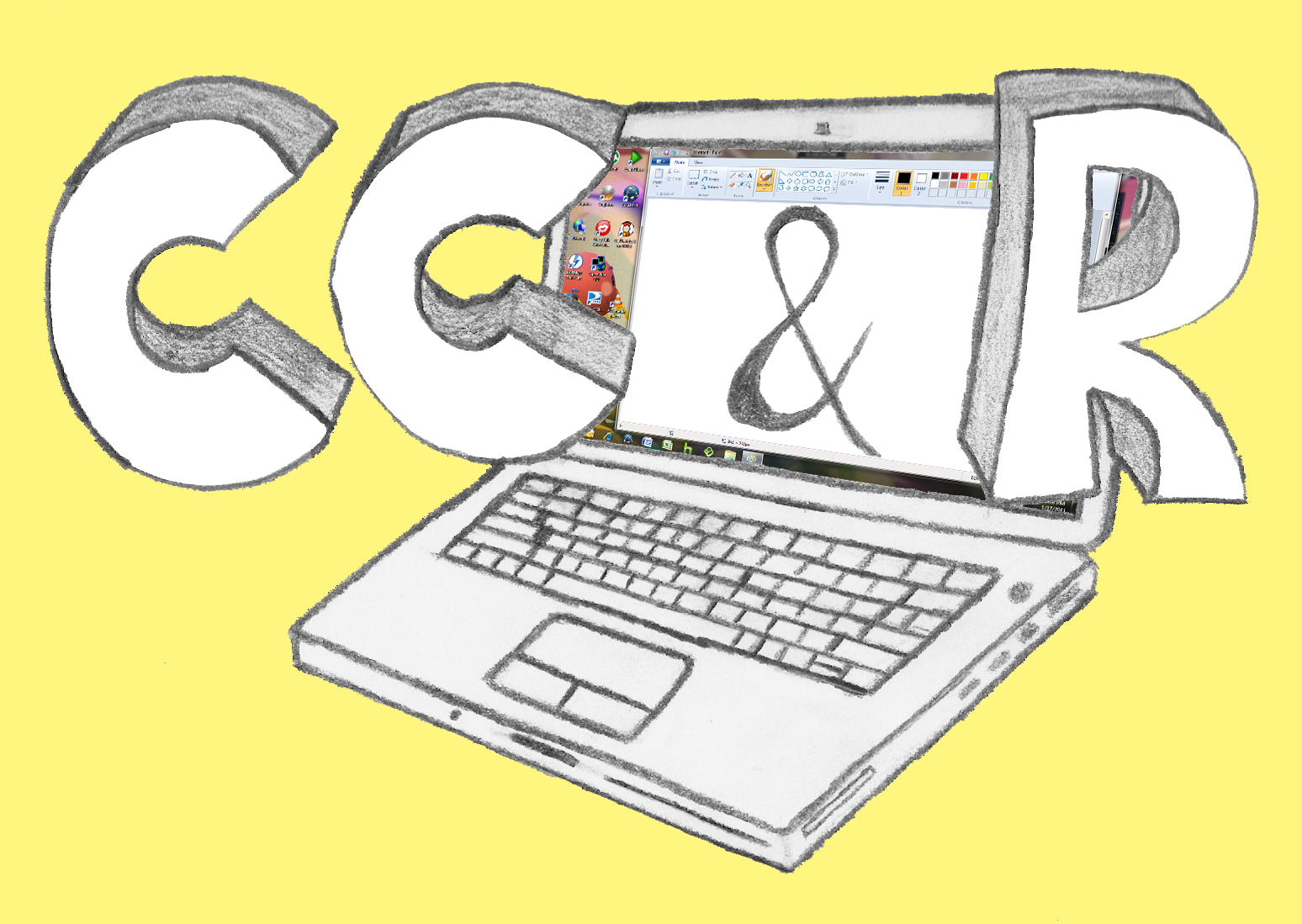
Recently, I decided to have a little fun with local LLMs and ComfyUI. I wanted to see if I could take my old, hand-drawn (and partially Photoshopped) CC&R business logo and transform it into something slightly more professional.
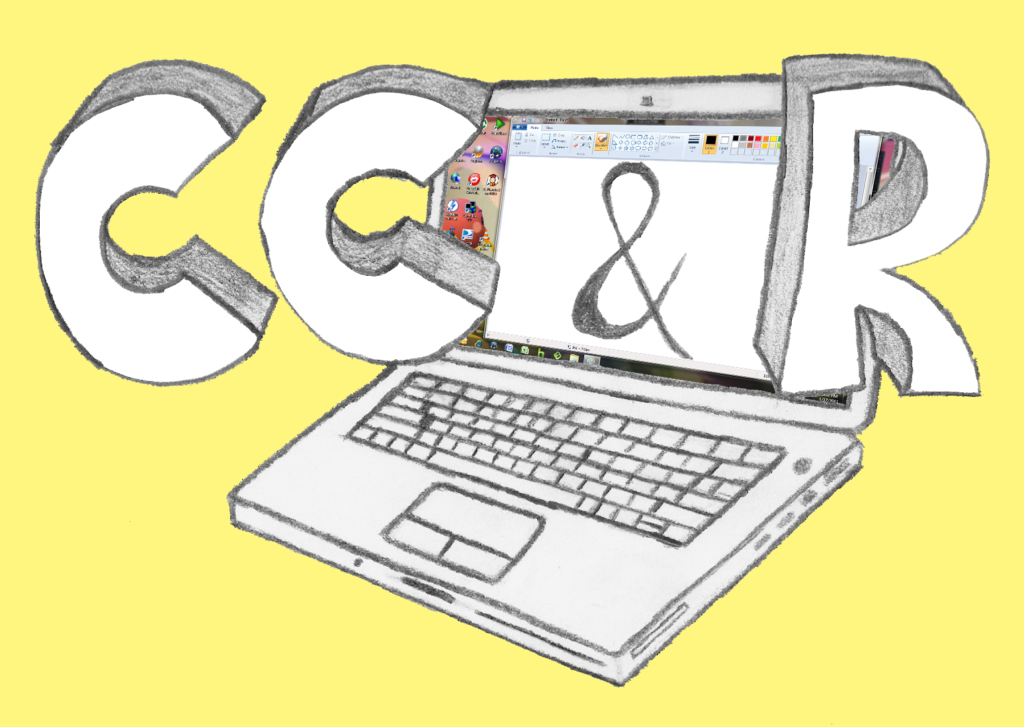
I started the experiment by feeding the original sketch into the model with a prompt requesting a “clean vector drawing version.”
Attempt 1: The Faithful Vector
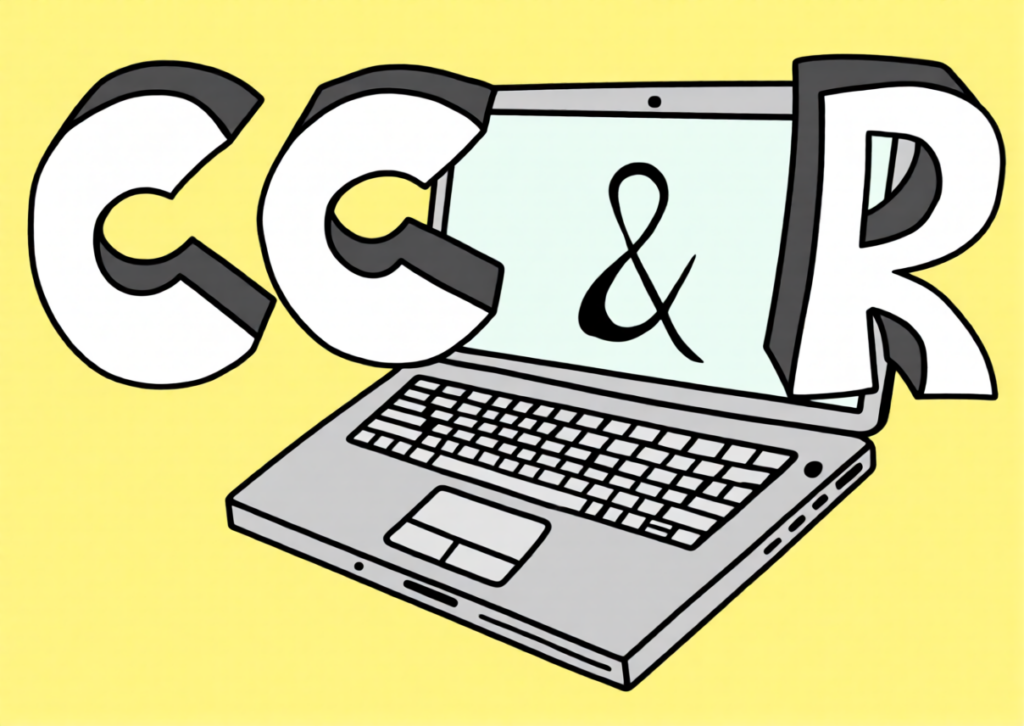
The first result was Sample #1 (below). It did a good job of capturing the core elements like the laptop and the large 3D letters, but it still retained a bit of that initial “sketchy” feel.
Refining the Details
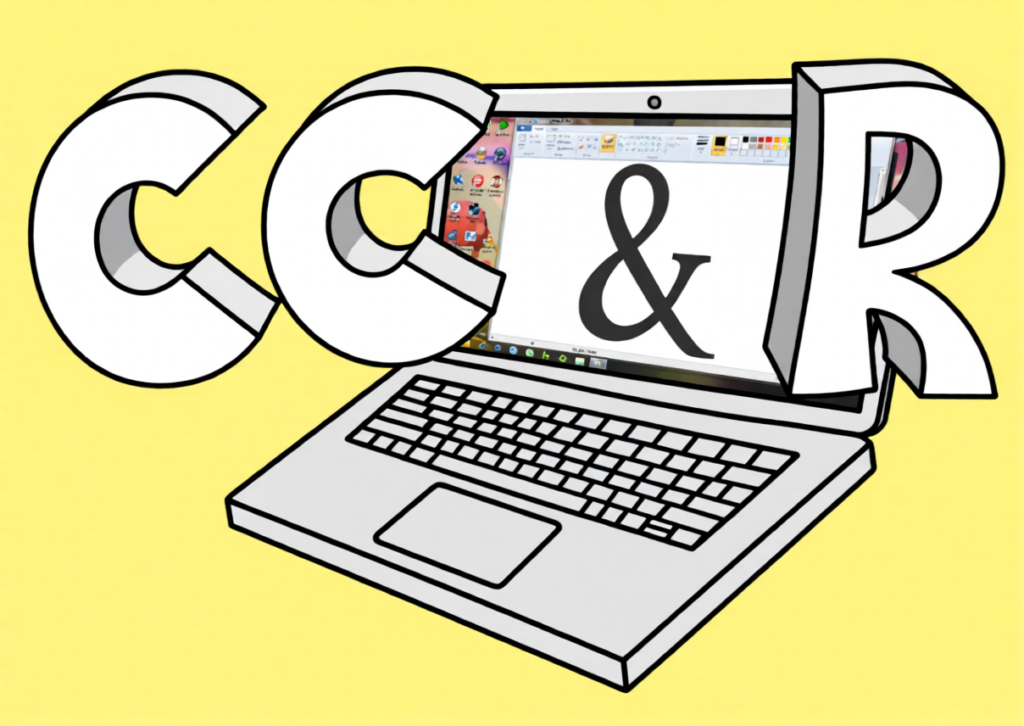
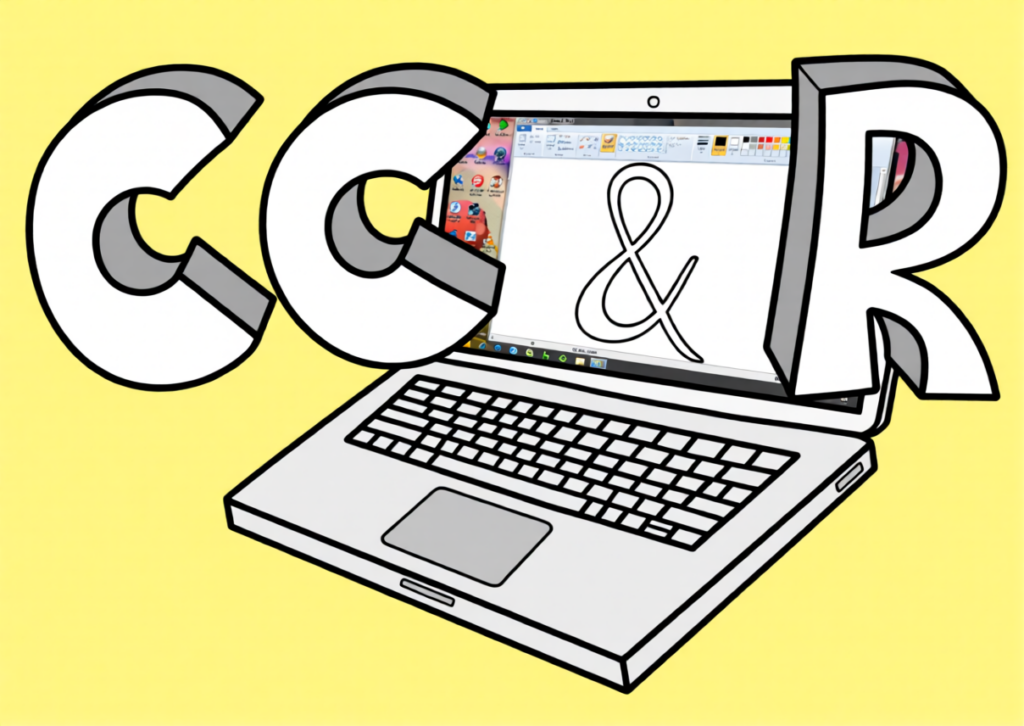
I tweaked the prompts, trying to get the AI to respect specific details, like keeping the original screen background. This led to iterations like Sample #2 and Sample #3 (below). These versions cleaned up the lines significantly, turning the sketch into a flatter, more defined vector graphic while keeping the laptop interface visible.
The “Professional” Pivot
Once I was happy with the structure, I adjusted the prompt to ask for a more modern, professional aesthetic. The results were a huge leap forward in quality:
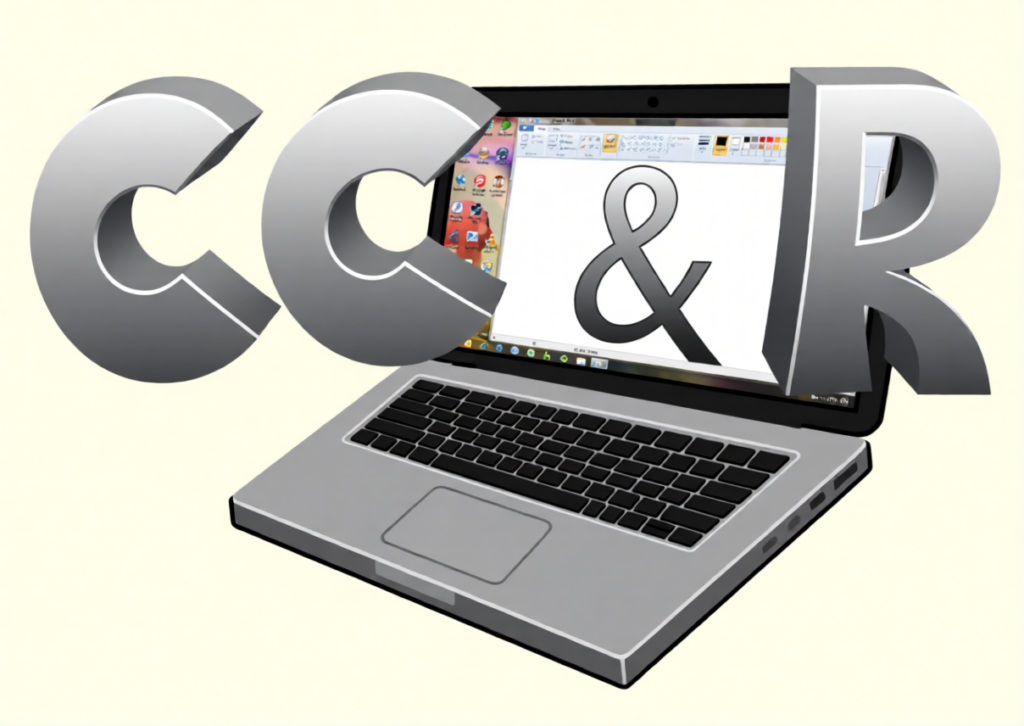
- The Metallic Look: Sample #4 (below) gave the logo a sleek, silver/chrome finish that feels much more like a modern tech brand.
- The Corporate Blue: Sample #5 (below) took the design in a glossy, deep blue direction, which is a very classic “professional” corporate color scheme.
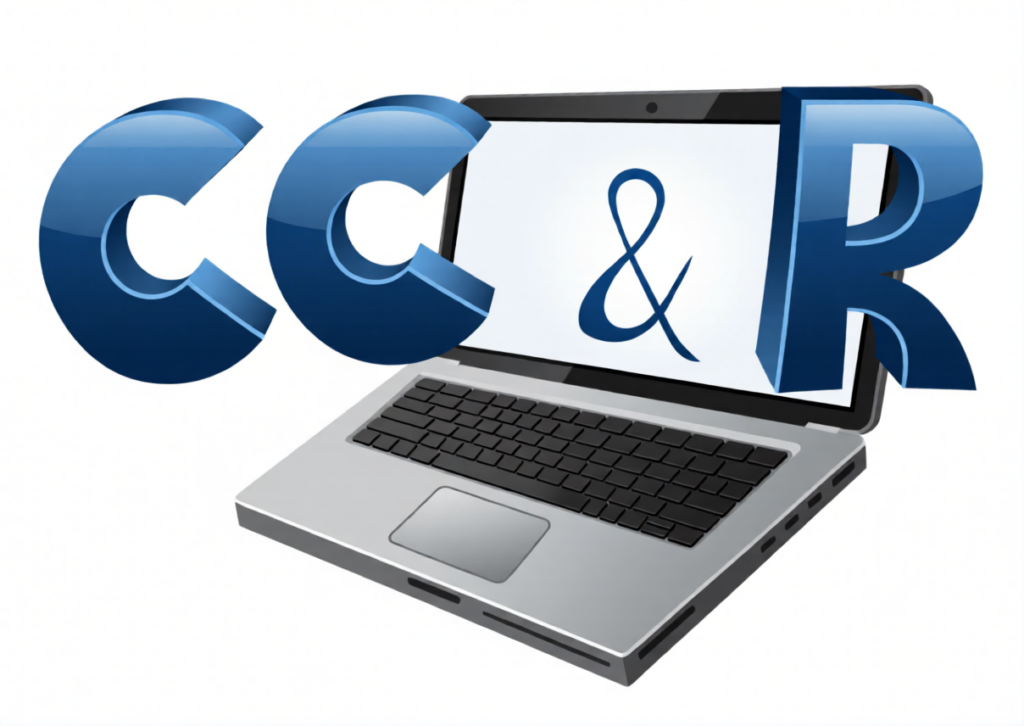
Final Thoughts
While this was just a fun experiment run on my consumer-grade hardware, it is pretty awesome to see new life brought into an old logo. It’s amazing to watch how AI can interpret a rough sketch and evolve it into a polished, usable asset without me having to do a single stroke of vector work.