
A few weeks ago, a conversation with a co-worker changed my development workflow. They suggested I move away from heavy reliance on cloud-based APIs and instead experiment with the power of local agentic coding. The goal? To see if I could build fully functional software using nothing but locally hosted LLMs and agentic tools, running entirely on my own hardware.
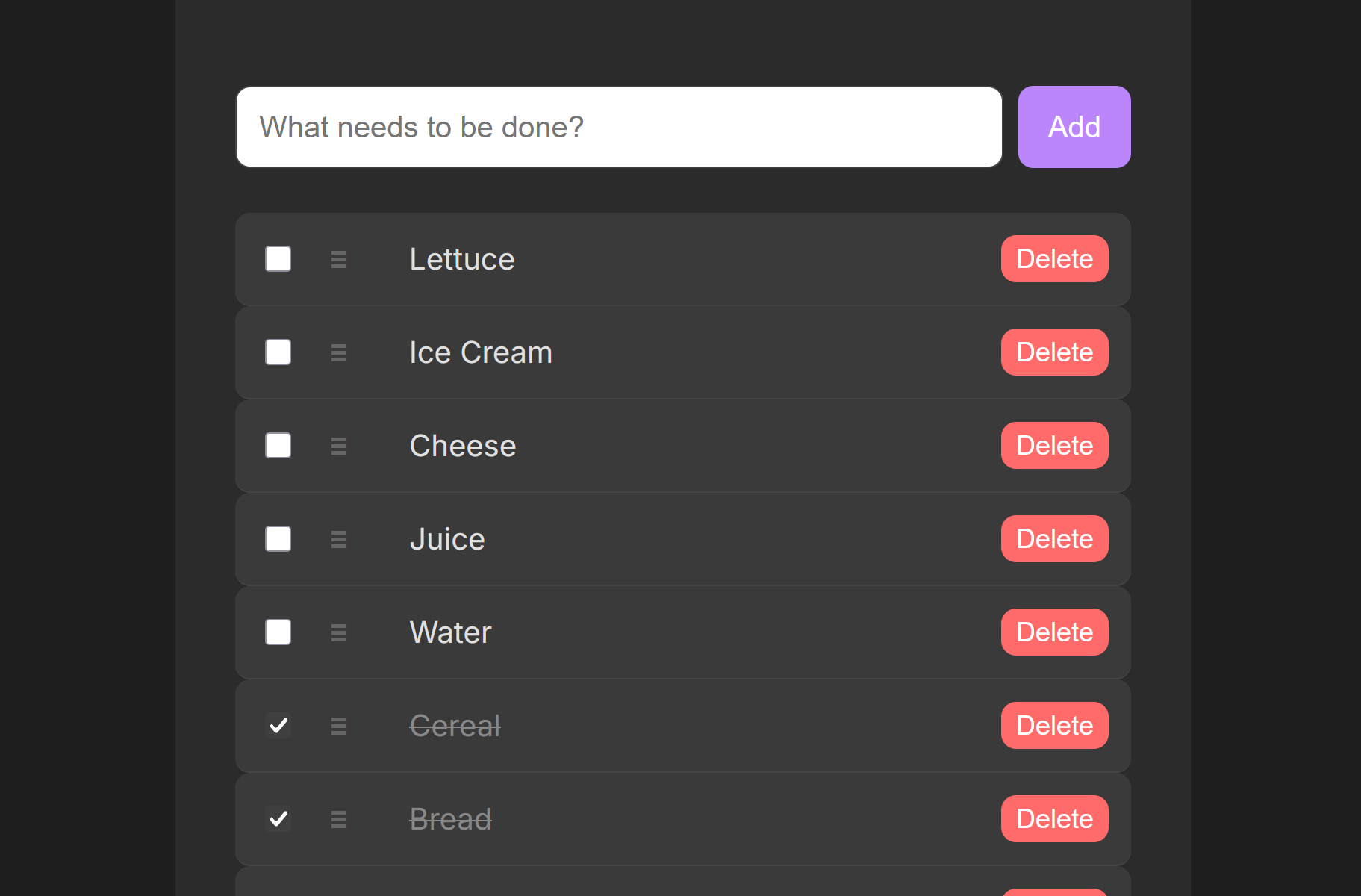
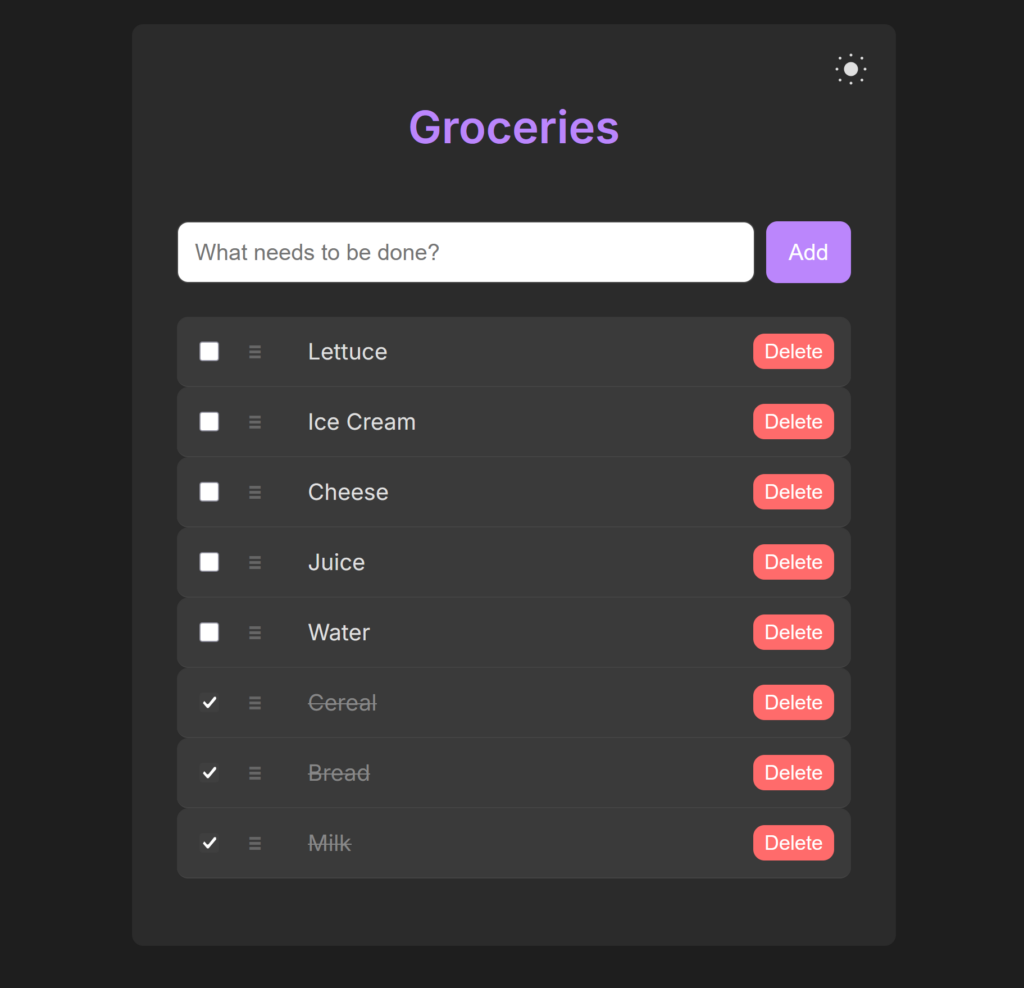
The result was the project you see here: a feature-rich, drag-and-drop Todo List application.
The Setup: Claude Code meets Ollama
I started the experiment with a specific goal: use Claude Code (an agentic CLI tool) as my primary interface, but point it toward a local Ollama instance instead of Anthropic’s servers.
My setup isn’t a massive server farm, but it is capable. I’m running a machine with 24GB of VRAM, which provides enough headroom to run surprisingly capable models.
The “birth” of this app wasn’t a single complex prompt, but rather an AI-generated prompt I used to lay the foundation. I gave the agent a simple directive to create a basic Todo list with an Express.js backend and a vanilla JavaScript frontend. Within minutes, the scaffolding was complete: server.js, index.html, and package.json were all generated and functional.
Iterative Refinement: The “Vibe” in Coding
Once the foundation was laid, the real “vibe coding” began. Instead of opening files to manually write CSS or debug logic, I stayed within the Claude Code interface. I would describe the “vibe” or the desired feature:
- “Make the UI look modern and add a dark mode toggle.”
- “Add the ability to reorder tasks using drag-and-drop.”
- “Ensure the tasks persist even if I restart the server.”
I acted more as a product manager and reviewer than a traditional coder. I would watch and wait while the agent creates new files and edits existing ones on the fly.
Expanding the Toolkit: Zed and Qwen
As the experiment progressed, my co-worker suggested another tool: Zed, the high-performance editor. I decided to test Zed’s integration with my local Ollama setup. This allowed for a more visual, IDE-centric approach to the same agentic workflow.
During this phase, I experimented with several models to find the “sweet spot” between intelligence and speed. While larger models were smarter, they were noticeably slower. I eventually settled on qwen3.5:32-a3b
Under the Hood: How it Works
The resulting application is a testament to what local agents can achieve. It’s a full-stack application consisting of:
- A RESTful Backend (
server.js): Powered byExpress.js. It handles the logic for creating, updating, and deleting tasks. It even handles the complex logic of reordering tasks by processing an array of IDs. - A Persistent Layer (
todos.json): No heavy database setup required. The agent implemented a simple file-based system that reads and writes to a JSON file, ensuring your tasks are there when you come back. - A Dynamic Frontend (
index.html): A single-page application using Vanilla JS. It features a drag-and-drop interface (using the HTML5 Drag and Drop API) and a themeable UI driven by CSS Variables.
Here is a glimpse of the core logic the agent implemented for the check/uncheck reordering feature:
// A snippet of the reordering logic generated by the agent
app.post('/reorder', (req, res) => {
    const { order } = req.body; // An array of IDs in the new order
    todos = order.map(id => todos.find(t => t.id === id));
    saveTodos();
    res.json(todos);
});
Final Thoughts
This experiment proved that “vibe coding” with local models is no longer a pipe dream. With 24GB of VRAM and a well-tuned model like Qwen, you can move from a single prompt to a polished, multi-feature application without ever sending a single byte of your code to a cloud provider.
It’s private, it’s fast, and most importantly, it’s incredibly fun.
Check out the full source code here: https://github.com/ryang3d/tiny-todo